Connect QuickBooks Online
On the Connections page, select Connect on the QuickBooks card and sign in to QuickBooks. You'll see Connecting to QuickBooks... while it links, then the card shows Connected.
Connect QuickBooks Online so Growthy can bring in your transactions.
Steps
- Open the Connections page.
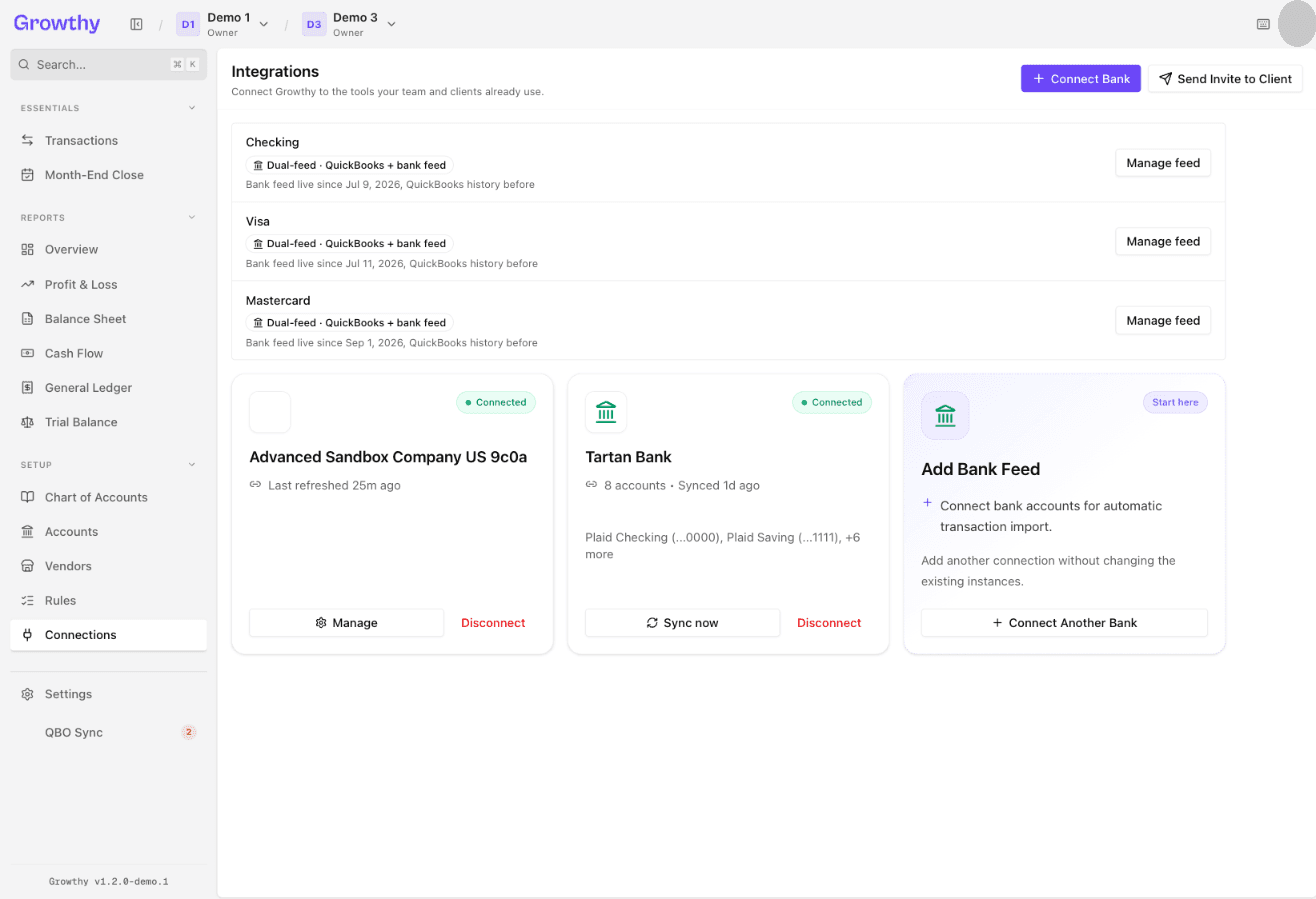
- Select Connect on the QuickBooks card.
- Growthy redirects this browser window to QuickBooks — sign in there.
- Wait while Growthy shows Connecting to QuickBooks....
- When the connection finishes, the card shows Connected.
If the card later shows Reconnect, select it and sign in to QuickBooks again. While the card shows Connected or Syncing, select Manage to see the connection's details, or Disconnect to remove it.
Was this helpful?