Manage team access
Owners can open the Members section of Settings and change a team member's role using the role picker. The change applies as soon as you pick a new role.
Change a team member's role in your organization.
Steps
- Open Settings, then go to the Members section, which lists people with access to this organization and their roles.
- Find the member whose role you want to change.
- Select a new role from their role picker: Owner, Accountant, Staff, or Viewer.
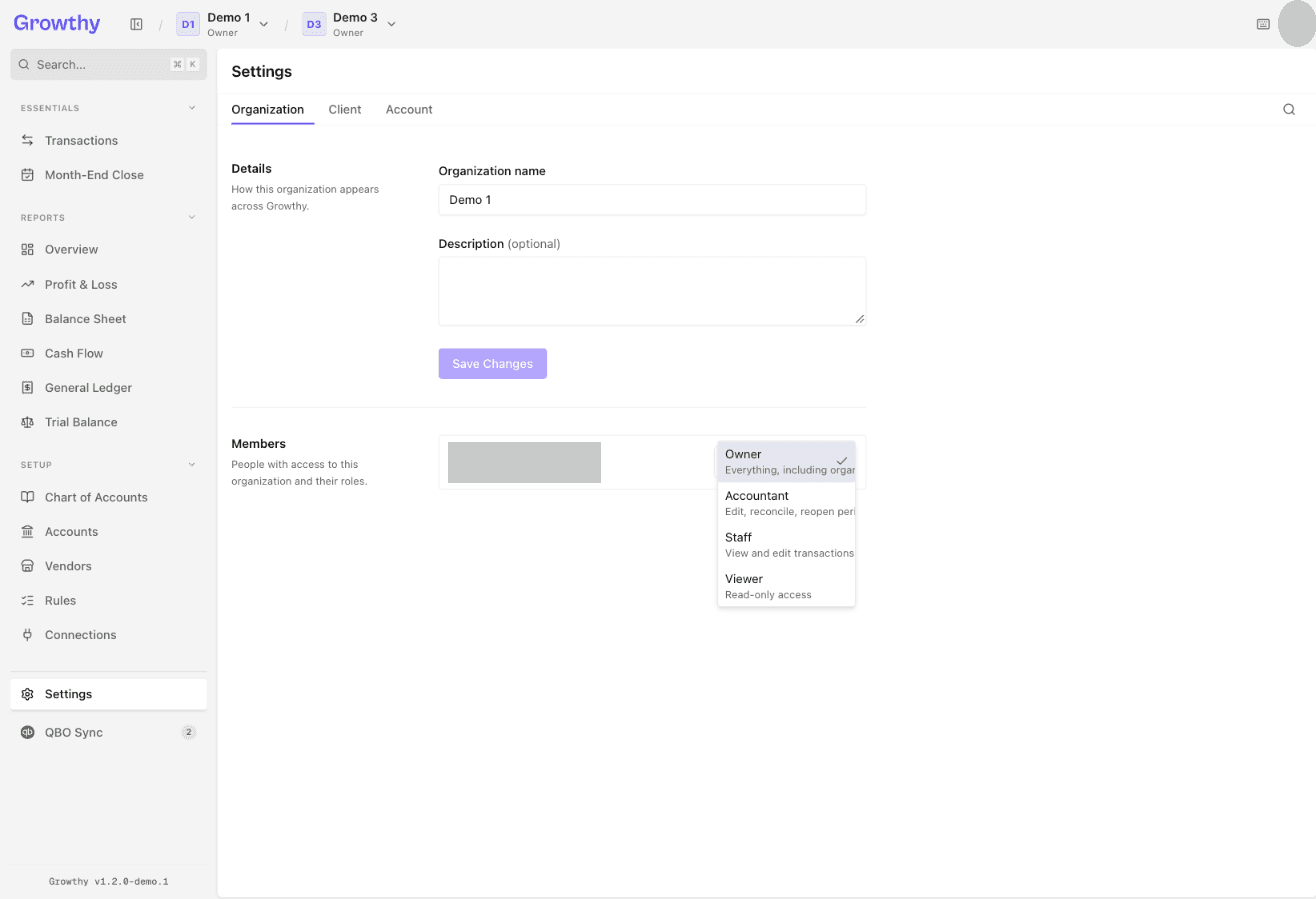
The new role applies as soon as you select it. Only an Owner sees the role picker; everyone else sees their role shown as a read-only badge.
Was this helpful?